
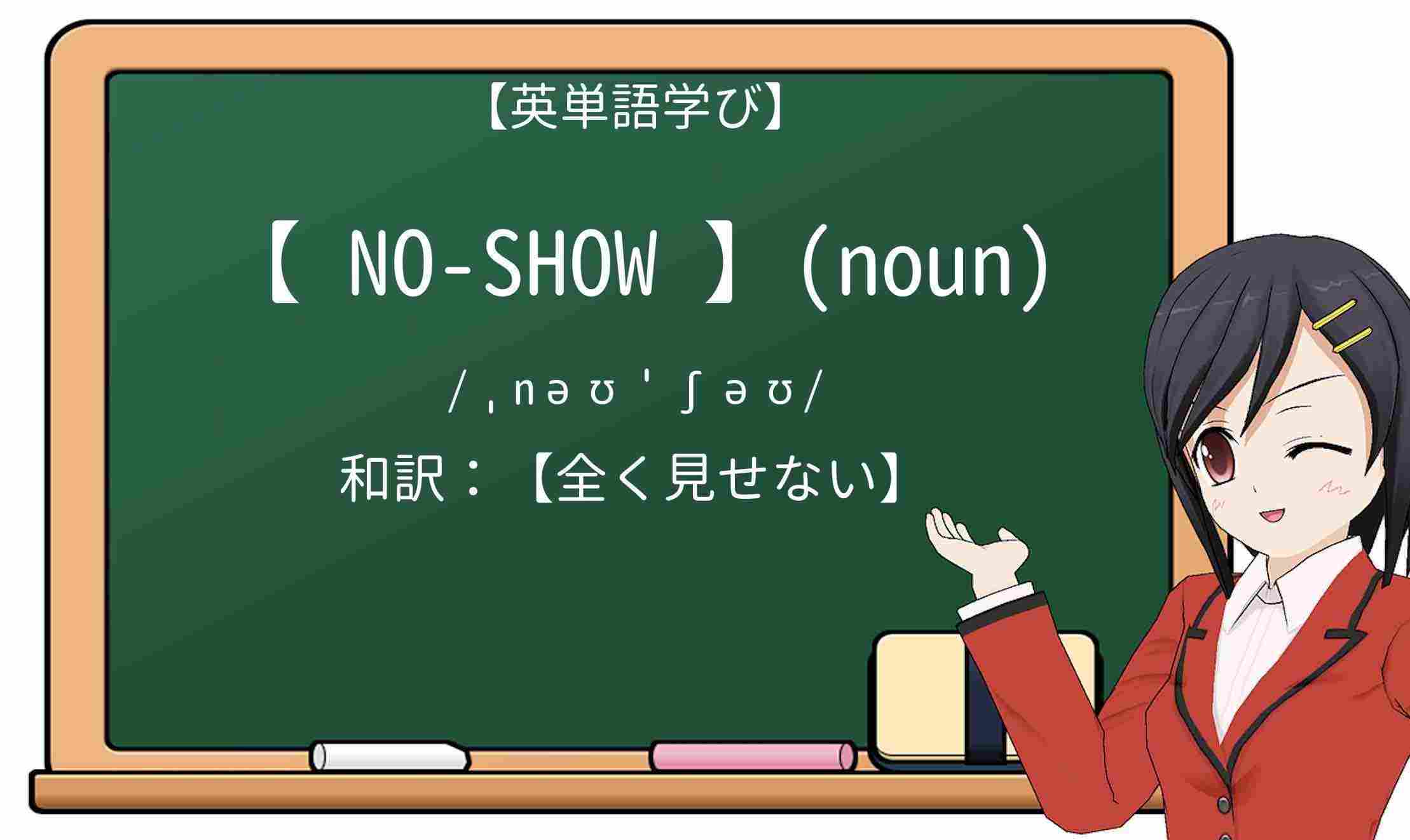
「no-show」の意味(noun)
品詞(英単語での分類):名詞
【期待しているのに届かない人】意味として使われています。
和訳:【全く見せない】

参考:「no-show」の例文一覧


「no-show」のネイティブ発音(読み方)を聞きましょう!
読み方は【ˌnəʊˈʃəʊ】です。下記動画を聞きながらˌnəʊˈʃəʊを大声で発音しましょう
【絶対聞こう】アメリカ人が「no-show」の意味について解説】!
「no show」の類語一覧です。順番に覚えましょう!
対義語・反対語一覧を覚えることで、no showの単語を使いこなしましょう!
「no-show」は複数の異なる意味を持った英単語です。それぞれの意味と使い方などを例文から解説しましょう!
| 英語 | 意味(和訳) | 詳しく解説! |
| no-show | 約束をすっぽかす | informal (failure to be present) |
| no-show | 欠席 | ( [sb] invited who isn’t present) |
| Our surprise birthday party was a flop–the guest of honor was a no-show. | ||
| 私たちのサプライズ バースデー パーティーは失敗に終わりました。主賓はノーショーでした。 | ||
no showの実際の意味・ニュアンス(非表示?ノーショウ?No Show?ノーショー?)を理解して、正しく使いましょう!
Exclude components from show and no show space
表示および非表示スペースから構成要素を除外する:
Background color of no show space of all document windows
すべてのドキュメント ウィンドウの非表示スペースの背景色
All no show cancellations require a 100% cancellation fee.
ノーショウによるキャンセルにはすべて、100%のキャンセル料金が請求されます。
No show cancellations due to a medical emergency or traffic accident will require a 100% cancellation fee.
医療上の緊急事態または交通事故に伴うノーショウによるキャンセルについても100%のキャンセル料金が請求されます。
Should the passenger failed to do that, all further segments of the route will be cancelled automatically by the booking system as “no show“, without notifying the passenger.
それが実行されなかった場合は、ルートの以降の区間が予約システムによってNo Show(連絡なく到着なし)として搭乗客への事前通知なしに自動的にキャンセルされます。
If this option is selected, processes and activities will be generated for products in the No Show space.
このオプションが選択されていると、[No Show] スペースのプロダクトに対して、プロセスとアクティビティが生成されます。
The initial track is swapped in no show space. <br
初期トラックが非表示領域へ切り替わります。 <br>
This is what you obtain (the track is in no show space)
下の図のような結果になります (トラックは非表示スペースに移動されました)。
It is also visible in no show space.
また、非表示スペースに表示できます。
Extremum points created on a closed curve are aggregated under their parent command and put in no show in the specification tree.
閉じた曲線上に作成された極値点は親コマンドの下にまとめられ、仕様ツリーの非表示エリアに入れられます。
This results in less cluttering of the no show space.
これは、結果として非表示スペースのクラッターを減少させます。
It will remove the component from show and no show space, bill of Material.
表示と非表示スペースや部品表から構成要素を除外します。
Select this check box if you want to put automatically in no show mode the dimensions which are attached to geometry which is not visible in clipping views.
クリッピング図に表示できない形状に接続されている寸法を自動的に非表示モードにするには、このチェック ボックスを選択します。
Persistency of graphical properties edition (color, line type, line thickness, no show) and Delete operations performed on generated elements are not available on CGR or Approximate views.
生成エレメントに適用したグラフィック プロパティ (色、線種、線幅、非表示) の編集および削除操作は、CGR 図や近似図では維持されません。
Dimensions are put in no show mode only if none of the geometrical elements to which the dimension is attached are visible.
寸法は、寸法の接続先の形状エレメントが非表示の場合のみ非表示モードになります。
For more information about the show and no show modes, refer to Hiding and Showing Objects.
表示モードと非表示モードの詳細については、オブジェクトの表示と非表示 を参照してください。
By deactivating components, these components are in neither the show nor no show space.
構成要素を非活動化することによって、これらの構成要素は表示または非表示スペースのいずれにもありません。
The original tracks are hidden on the geometry. That is, they are visible in no show space. They are, however, displayed in the specification tree.
オリジナル トラックは形状上で非表示となり、非表示領域に表示されます。ただし、仕様ツリー内では表示されます。
Note that if you modify the graphical properties (color, line type, line thickness, layer, no show) of generated geometry or dress-up elements, or delete these elements, such modifications are persistent at update, i.e. they are kept when updating the view later on.
生成形状やドレスアップ エレメントのグラフィック プロパティ (色、線種、線幅、レイヤ、非表示) を変更または削除した場合は、更新時でもその変更内容が維持されます。つまり、後で図を更新しても維持されます。
A product in NO SHOW mode.
非表示モードのプロダクトです。
目次
隠す